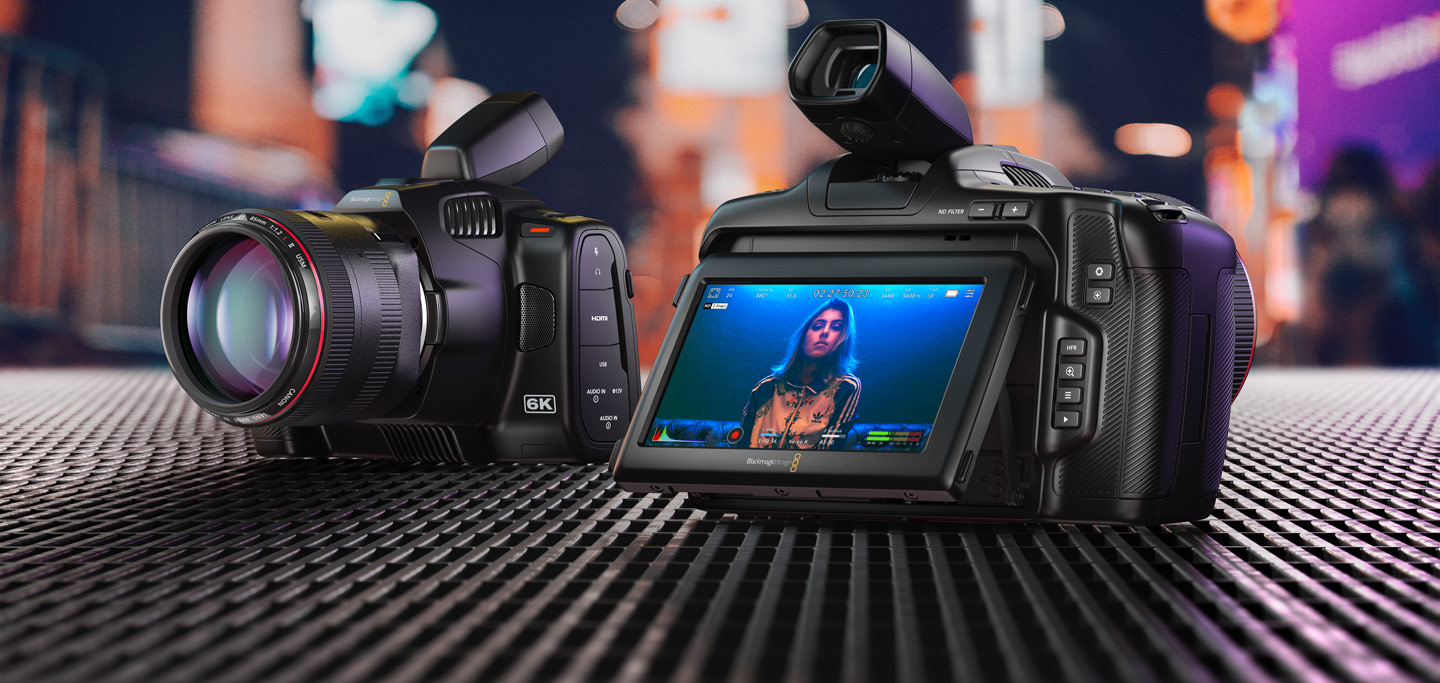
Blackmagic Pocket Cinema Camera 6K
Compact cinema camera with a Super 35 sensor and EF lens mount – for film, interview and teaching-video productions in high quality.
Introduction & first steps with the Pocket 6K (ZHL tutorial) https://www.youtube-nocookie.com/embed/A9nzy03c-Mk
Overview
The Blackmagic Pocket Cinema Camera 6K is the professional camera in our media lending pool for high-quality video productions. Unlike a classic photo or vlog camera, it records in true cinema format and delivers footage that can be extensively graded and edited in post.
It is particularly suited to interviews, recorded talks, image films and teaching videos, where image quality, pleasing depth of field and good sound matter. Thanks to the Canon EF mount it can be fitted with different lenses to match the situation.
Good to know: the camera is not a point-and-shoot for beginners. For good results you should familiarise yourself beforehand with exposure, focus and audio levels – ideally via our tutorial video above.
Technical data
| Feature | Value |
|---|---|
| Sensor | Super 35, 6144 × 3456 (6K) |
| Lens mount | Canon EF / EF-S |
| Dynamic range | 13 stops |
| Recording | Blackmagic RAW & ProRes |
| Media | CFast 2.0, SD/UHS-II, external USB-C SSD |
| Audio | 2× mini XLR (with 48V phantom power), 3.5 mm |
| Display | 5” touchscreen |
| Battery | Sony NP-F570 (3 in the kit) |
Lenses
Sigma 18–35 mm f/1.8 (EF)
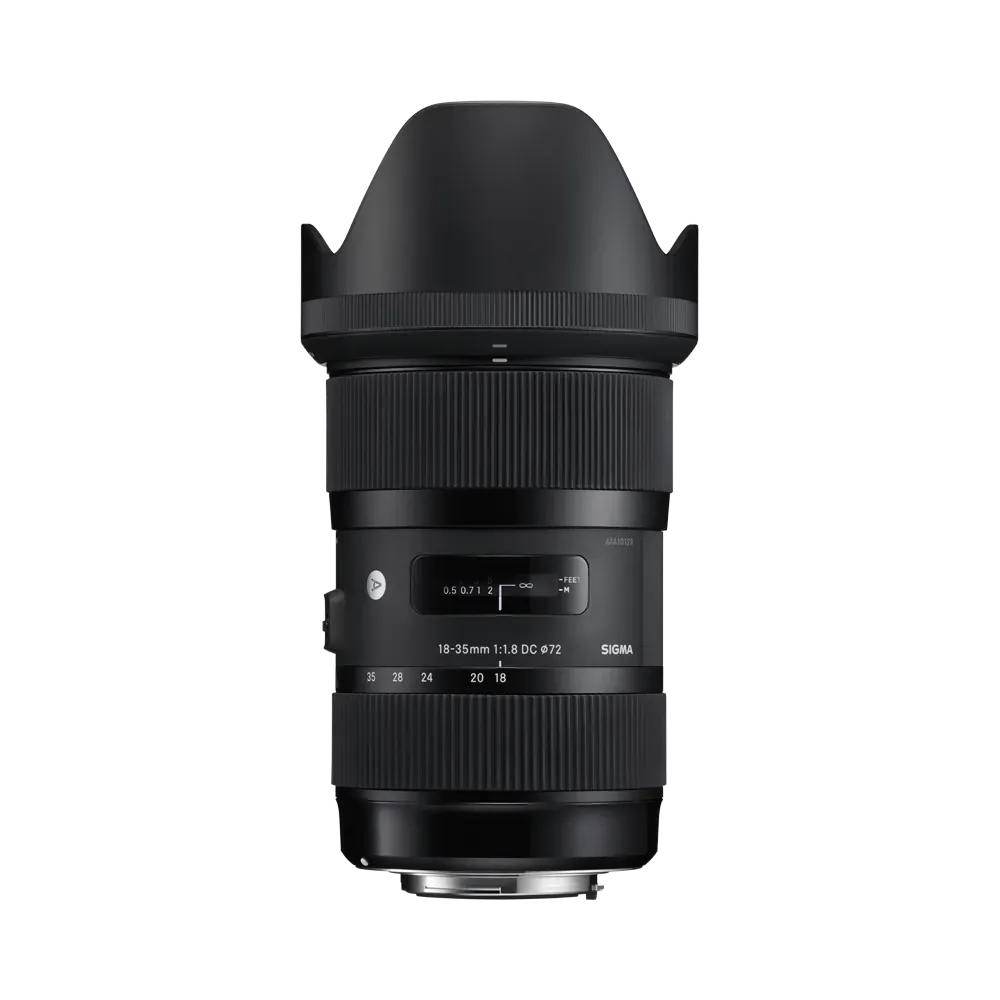 Universal zoom lens for interviews and presentations. Fast aperture, making it suitable even in
poorly lit seminar rooms.
Universal zoom lens for interviews and presentations. Fast aperture, making it suitable even in
poorly lit seminar rooms.
Note: Heavier – intended for use on a tripod rather than handheld.
Canon 24 - 105 mm (EF, strong tele lens)
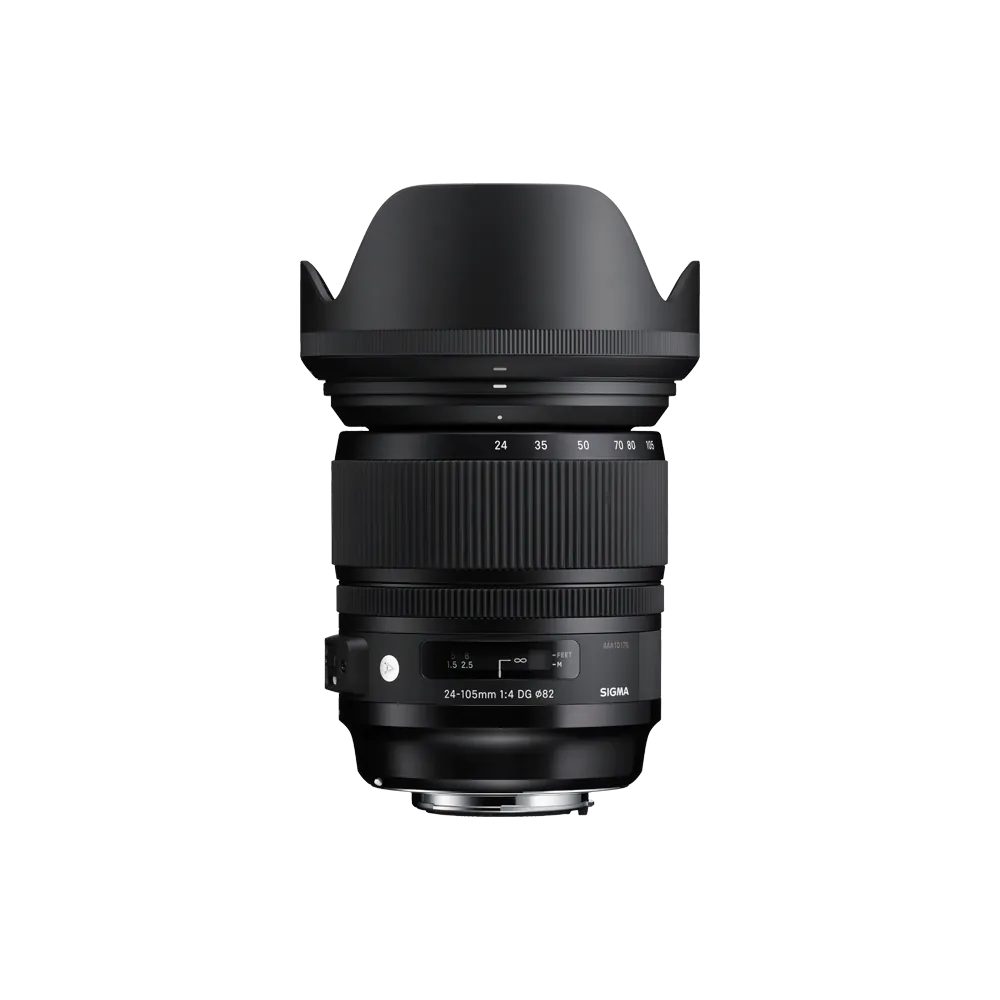
A large lens with a powerful zoom.
Tokina 11-24mm
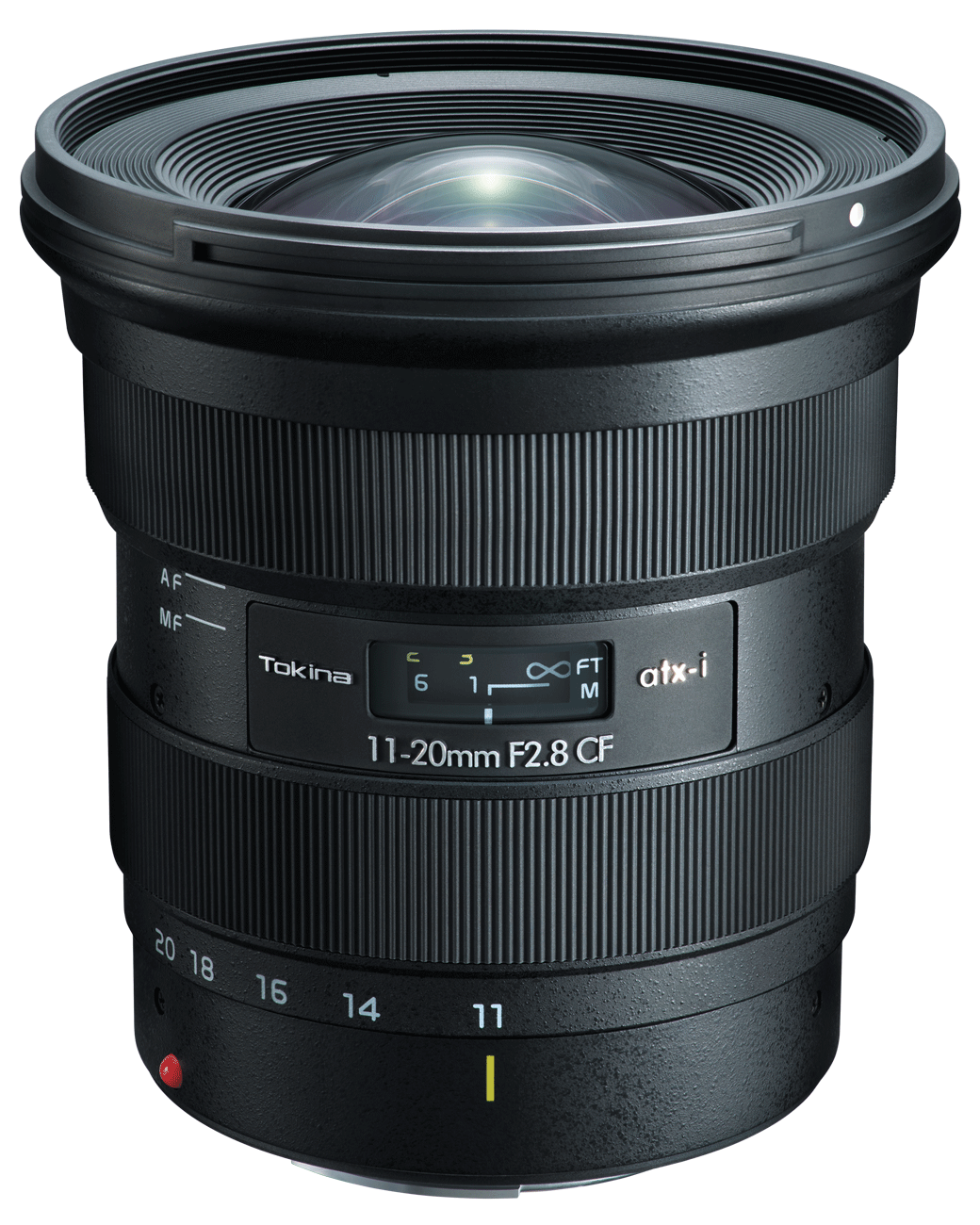
Wide-angle lens for shots with the widest possible field of view.
Connecting a microphone
The Pocket 6K has two mini-XLR inputs for professional microphones, as well as a 3.5 mm jack for simple clip-on microphones.
- Switch off the camera before connecting an XLR microphone.
- Plug the mini-XLR connector of the microphone cable into one of the two inputs on the left-hand side of the camera until it clicks audibly into place.
- Switch on the camera and set the input (CH1/CH2) to ‘XLR’ in the audio menu.
- For condenser microphones (e.g. shotgun microphones), enable ‘+48V phantom power’ in the same menu.
- Check the level on the touchscreen: when speaking, the level should reach around −12 dB, but not go into the red.
⚠ Warning: Never activate phantom power (+48V) with dynamic microphones or wireless systems – this can damage them.
Storage media
2× memory cards
CFast-Format with each 256 GB, external USB-Reader
External USB-C SSD (1 TB)
For long recordings in Blackmagic RAW. Connect it to the USB-C port on the right-hand side and eject it in the menu before unplugging.
Power supply
NP-F570 batteries (3)
and a charger capable of charging 4 batteries simultaneously (for NP-F570 type only) Running time approx. 45–60 mins per battery. Always carry all three fully charged and don’t forget the charger adapter.
Battery pack on camera
The battery pack allows two additional batteries to be screwed onto the Pocket 6K, enabling you to film with a total of 3 batteries. This extends the recording time to over 60 minutes.
Drawback: increased weight.
Charging cable
The Pocket 6K can also be powered by a mains adapter. In that case, no battery is required at all. This is recommended for stationary shots.
Optional accessories
DJI RS 3 Pro gimbal
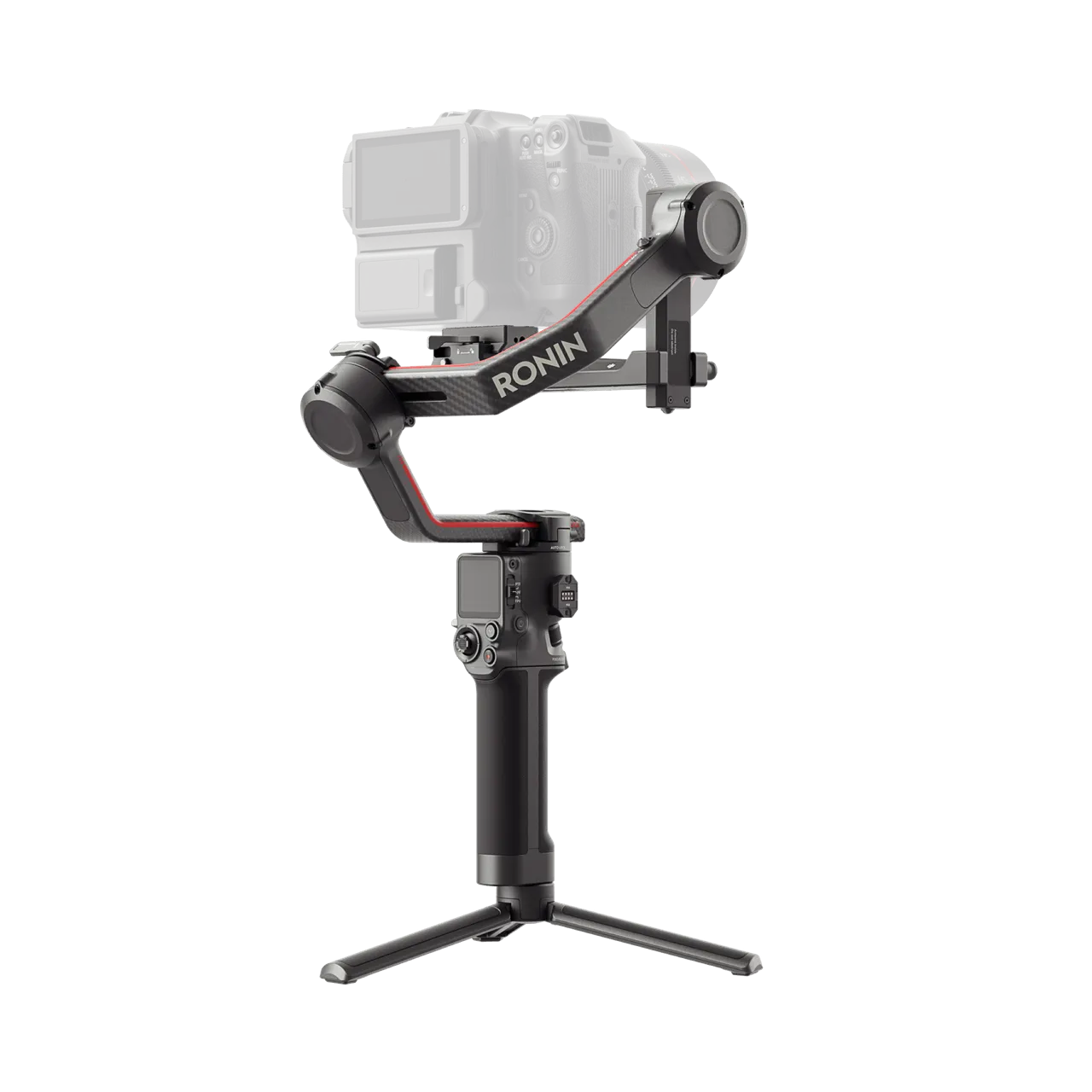 User manual (PDF):
https://dl.djicdn.com/downloads/DJI_RS_3_Pro/DJI_RS_3_Pro_User_Manual_v1.0_EN.pdf
User manual (PDF):
https://dl.djicdn.com/downloads/DJI_RS_3_Pro/DJI_RS_3_Pro_User_Manual_v1.0_EN.pdf